Shipyard
One dashboard for everything a lead developer needs to track
- Nuxt 4
- TypeScript
- Docker
- SQLite
Shipyard aggregates pull requests, pipelines, deployments, and team activity from GitHub, Azure DevOps, and GitLab into one view, so lead developers stop switching between provider UIs. Live at shipyard.xvps.nl.
Where the name comes from
From shipping code. A shipyard is where a thing is built, fitted out and sent
off — the same route a piece of work takes from branch to pull request to merge
to release. Hence the anchor in the logo, and hence the default colour scheme
being called drydock.
What it does
- Repositories — one health card per repo: open pull requests, pipeline status, active alerts.
- Pull requests — across every repo and every provider, with an inline diff viewer, reviewer status and comment threads in the same screen.
- Branches — a cross-repo branch list with naming and origin rules, a browsable git log, an interactive git graph, and branch locking.
- Pipelines and deployments — stage-level CI/CD status, with deployments inferred from a passed stage or a tagged commit.
- Releases — a six-stage lifecycle: plan, cherry-pick commits, link work items, follow it through to production.
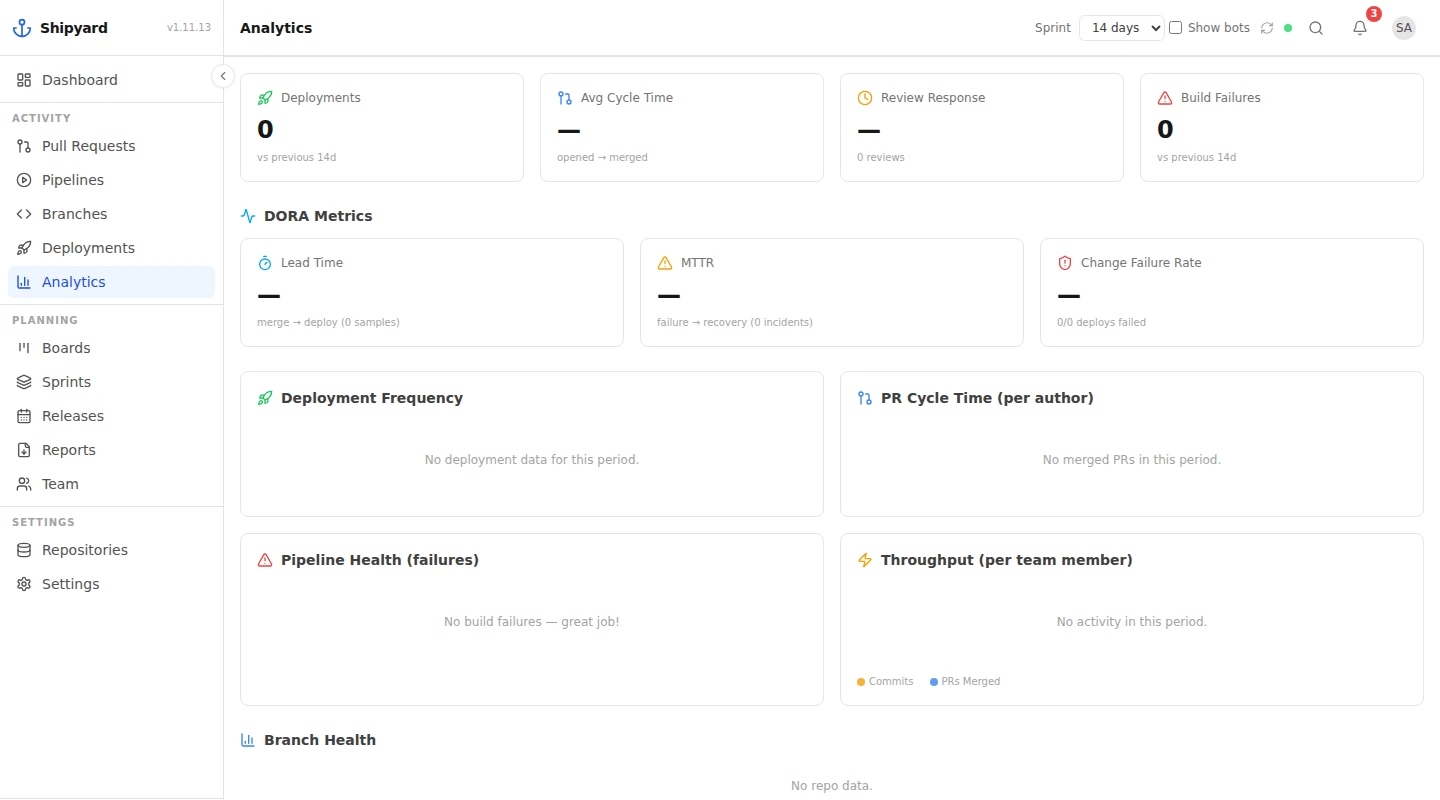
- Analytics — pull request cycle time, review turnaround, DORA metrics and throughput per team member.
- Notifications and export — ten kinds of event it detects on its own, and release notes, sprint reports and audit logs as Markdown or CSV.
How it works
No webhooks and no GitHub App: Shipyard asks nothing of the provider. It polls the APIs with a personal access token, encrypts that token at rest, keeps the answer in a local SQLite database, and pushes changes to every open screen over a websocket. Self-hosted with Docker Compose, behind your own reverse proxy.

Shipyard
A self-hosted dashboard that pulls GitHub, Azure DevOps and GitLab into one place: branches, pull requests, pipelines, releases. A shipyard builds, fits out and sends off — which is what a release pipeline does.
ONE DASHBOARD, THREE PROVIDERS
What it reaches across
- GitHub
- GitLab™
- Azure DevOps
One team, spread across more than one repository provider. Shipyard reads all three and puts branches, pull requests, pipelines and releases in a single view.
Shipyard connects to these services and is not affiliated with, endorsed or sponsored by any of them. GITLAB is a trademark of GitLab Inc. in the United States and other countries and regions. Azure DevOps and Microsoft are trademarks of the Microsoft group of companies. GitHub is a trademark of GitHub, Inc.
On the walls
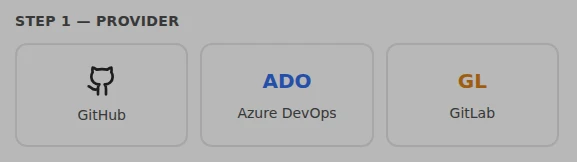
Three providers, one place — GitHub, Azure DevOps and GitLab, read through one personal access token. No webhooks, no app to install. 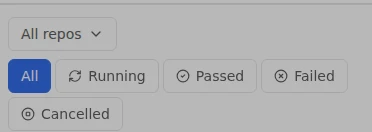
What the build says — Running, passed, failed, cancelled — per stage, across every repository. From the phone build, where the states sit wide enough to read. 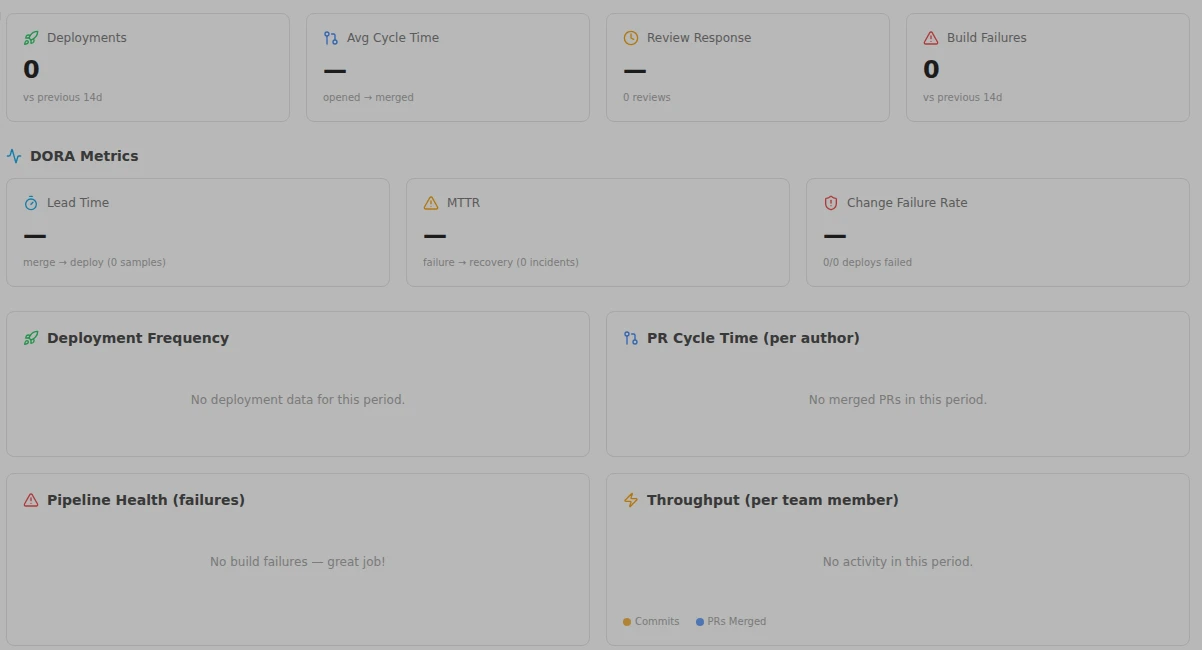
What it adds up to — Cycle time, review turnaround, lead time, MTTR, change failure rate, throughput per team member. Empty here: this is a fresh install with no repositories connected. 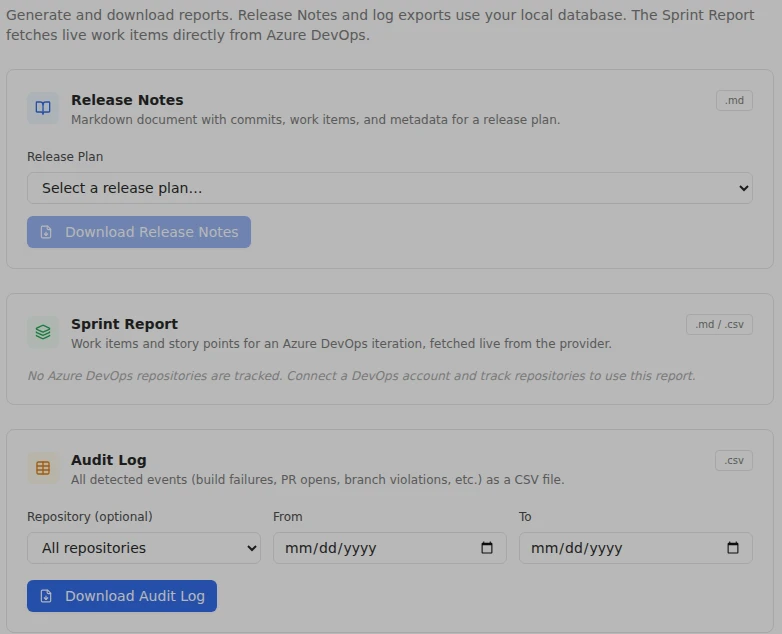
What you take away — Release notes as Markdown, sprint report and audit log as CSV — commits, work items and every detected event. 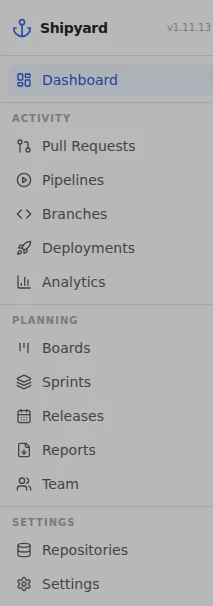
The whole yard — Every view Shipyard keeps: pull requests, pipelines, branches, deployments, analytics, boards, sprints, releases, reports, team.